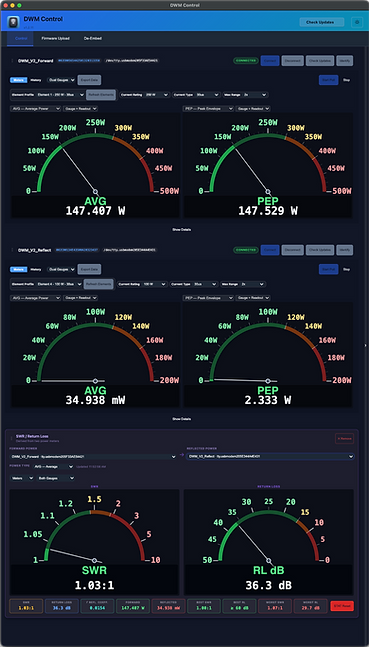
DWM Control Installation
1. Once the DWM-Control app is downloaded, depending on your browser, it may show something like this:

2. Click the three dots. Then "Keep".

3. Then, this message may appear. Click "Keep anyway".

4. Then, open the installer from where it downloaded to and follow its steps to complete the installation!
Driver Installation
Because Windows needs drivers to do literally anything, a driver is needed for the DWM to be updated.
-
Open Zadig using the DWM Installer setup utility when prompted.
-
Set the DWM-V2 into firmware update mode (DFU mode).
-
Connect the DWM-V2 to the PC.
-
Ensure the selected device field shows "DFU in FS Mode".
-
Above the "Install Driver" button, WinUSB should be selected.
-
Click "Install Driver" and wait a few moments for the driver to be installed.
-
Done! You may proceed to open DWM Control and/or update your DWM V2!

macOS Installation
Note: macOS already has the drivers needed for performing a firmware update, so Zadig is not needed here.
1. Once the app is downloaded, open the .dmg installer.
2. Drag and drop the DWM-Control app to the Applications folder.
3. Navigate to the "Applications" folder and open the DWM-Control application.
4. Done!
The app should open and you can now update your DWM V2 meter!
Remember, on Mac, no drivers are needed. Everything should just work!